
Users worldwide are reporting a strange issue. They are unexpectedly receiving unique verification codes from Microsoft via text message or email. This has become a global concern, and Microsoft is currently investigating the source of the problem.
This wave of alerts is closely tied to the Unsolicited Microsoft single use code 2026 security phenomenon. If you are seeing these messages without trying to log in, it means someone else—or an automated system—is triggering authentication requests using your username. To keep up with digital security alerts and patch updates, many remote workers browse trusted events calendars to attend cybersecurity webinars.
The Tech Behind the Alerts: Bypassing MFA
These alerts usually happen when a login attempt is made on an account protected by Multi-Factor Authentication (MFA). However, simply receiving a code does not mean your account has been hacked.
Security experts warn that this surge is connected to the highly dangerous Kali365 device code phishing scam. Cybercriminals use this platform to abuse a legitimate feature called "device code flow." Instead of stealing your password, they send a Fake Microsoft verification code text message or email. If a user gets tricked and enters that code into a real Microsoft page, the attackers can Bypass multi factor authentication access tokens entirely. Once they steal that active login token, they gain long-term access to Outlook, Teams, and OneDrive without ever needing your password.
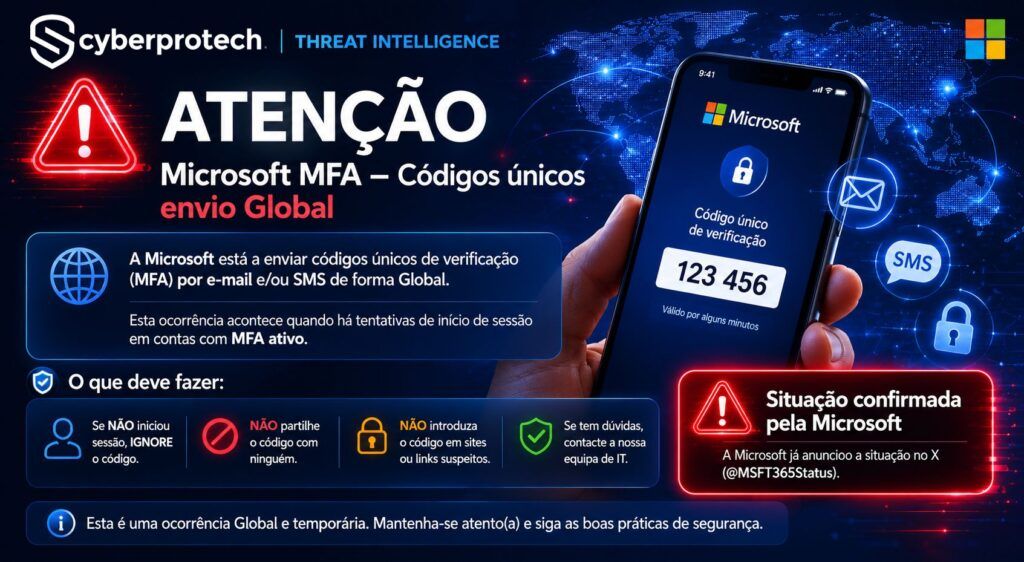
What You Should Do Right Now
If you receive an unexpected single-use code out of nowhere, remain calm and follow these essential security steps:
- Do Not Enter the Code: Never type the code into any random page, app, or link sent to you.
- Never Share It: Treat the code like a password. Do not give it to anyone else.
- Check Your Activity: Log into your official Microsoft account profile and look at your recent login history to check for suspicious locations.
- Keep MFA Turned On: Do not disable your multi-factor authentication. It is the very barrier stopping the attackers from getting in automatically.
If you notice any unusual login locations or unrecognized devices in your history, change your password immediately. Because online safety rules change so quickly, many IT professionals search for specialized security jobs to help corporate networks block these advanced token-stealing attacks. For now, stay alert, don't approve unauthorized requests, and let Microsoft finish its global investigation.
 Related News